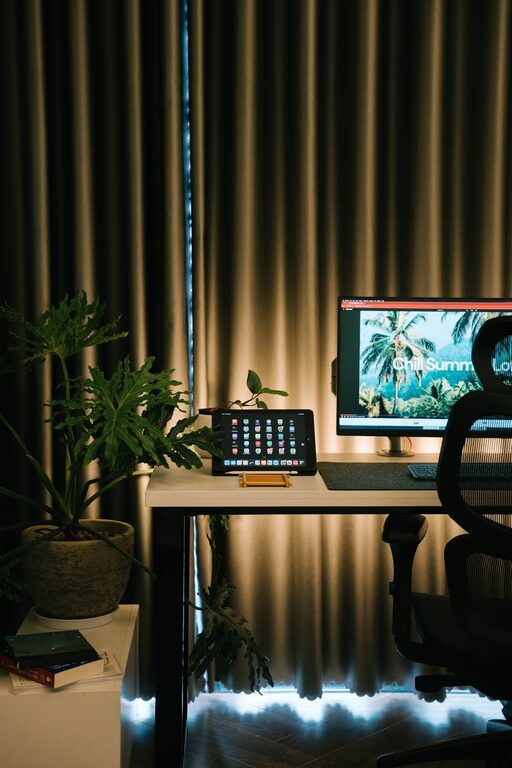
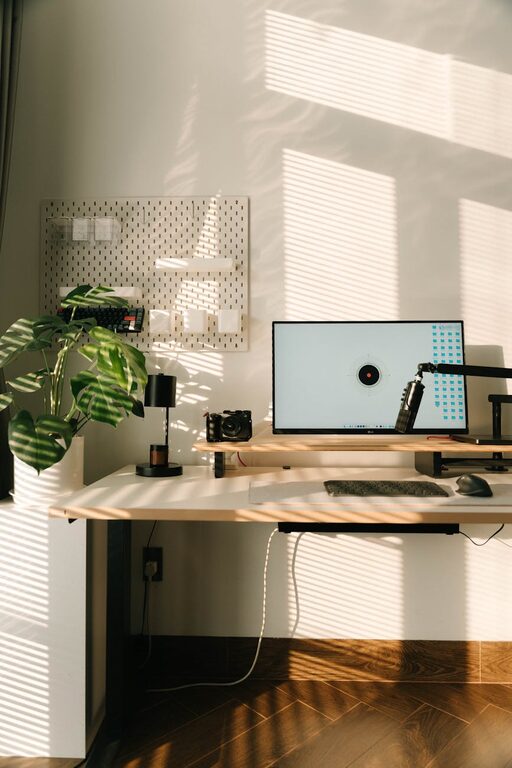
Creating a home workspace that is both organised and productive is essential in today’s world, where many people combine professional and personal lives under the same roof. A well-planned environment can help you focus, reduce stress, and improve your work output. Here are practical tips to set up a home workspace tailored to your needs.
Choose the Right Spot
Consider Natural Light and Ventilation
Select a location in your home with plenty of natural light to help keep you alert and energised. A workspace near a window allows fresh air in and can boost mood and creativity. Avoid dark or cramped areas whenever possible.
Minimise Distractions
Choose a quiet corner away from the main traffic flow of your home. If that’s not possible, consider room dividers or noise-cancelling headphones to help maintain concentration.
Invest in Comfortable, Ergonomic Furniture
Select a Supportive Chair
Your chair should support your back and allow feet to rest flat on the floor or on a footrest. An adjustable chair can help you maintain good posture and avoid discomfort during long working hours.
Choose a Desk that Fits Your Needs
A desk with enough surface area for your computer, documents, and stationery helps keep essentials close at hand. Adjustable desks that allow standing and sitting are becoming popular and encourage movement, which benefits health.
Keep Organised with Smart Storage Solutions
Use Drawers and Shelves
Drawers are excellent for storing stationery, cables, and personal items while keeping your desk surface tidy. Shelves above or beside your desk can hold books, folders, or decorative items without crowding your workspace.
Label Organisers and Files
Clear labels make it easier to find what you need quickly and ensure that everything has its place. Consider transparent containers for small items like paper clips or cables.
Prioritise Cable Management
Untidy cables can cause frustration and clutter. Use cable organisers, clips, or trays to keep wires neatly bundled and out of the way. This reduces the risk of tripping and makes cleaning simpler.
Personalise Mindfully
Adding personal touches, such as plants, artwork, or photos, can create a welcoming atmosphere and inspire creativity. However, avoid over-cluttering your workspace, as too many items may become distracting.
Optimise Lighting for Work
Good lighting reduces eye strain and keeps fatigue at bay. Combine natural light with adjustable task lamps or overhead lighting that can be dimmed or brightened according to need.
Maintain a Clean Workspace Daily
Set aside five minutes at the end of each workday to clear your desk. Put away papers, tidy your notes, and clean your keyboard or screen. A clean workspace promotes clarity and makes starting the next day’s work easier.
Establish Work Boundaries
Especially when working from home, it is important to separate work life from personal life. Defining clear work hours and communicating these to household members helps minimise interruptions and preserves your workspace as a professional area.
Use Technology Wisely
Organising your digital life complements your physical workspace. Utilise apps for task management, calendars, and note-taking. Back up your files regularly and keep your computer desktop tidy to reduce distractions.
Encourage Movement and Breaks
Design your workspace to encourage short breaks. Having room to stretch or a nearby spot for a quick walk can improve circulation and mental wellbeing. Consider tools like standing desks or balance boards to vary posture.
—
A well-organised and productive home workspace doesn’t have to be complicated or expensive. By focusing on comfort, orderliness, and a few personal touches, you can create an environment that supports your best work every day.